Add Bot Support Server
Narvi

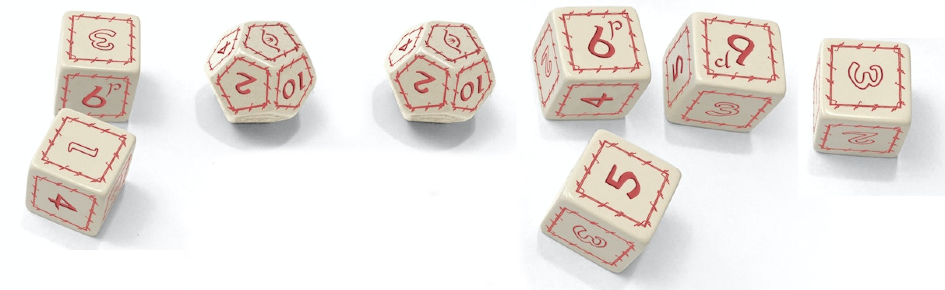
Narvi adds support for playing The One Ring via Discord, including dice rolls, character sheets, tracking of endurance/hope/etc., initiative, journey roles, tests, attacks, and lots more. Add it free to your server, or toss a dollar into the jar to help pay for the cloud hosting if you want, at https://bitbucket.org/HawthornThistleberry/narvi/ and pop by the TOR/AiME discord for support.

About Bot

Narvi adds support for playing The One Ring via Discord, including dice rolls, character sheets, tracking of endurance/hope/etc., initiative, journey roles, tests, attacks, and lots more. Add it free to your server, or toss a dollar into the jar to help pay for the cloud hosting if you want, at https://bitbucket.org/HawthornThistleberry/narvi/ and pop by the TOR/AiME discord for support.

Recent Posts

Narvi v12 released

Narvi v12 is released today including support for automated Councils. The LM starts one with a single command, then players do their rolls as usual and Narvi automatically tracks time and score and reports the result. Attitudes, and virtues like Friendly and Familiar, are automatically accounted for, and can be overridden.

v11 Features

v11 of Narvi includes a complete set of features to support 2e games, including automatically accounting for most rewards, virtues, and cultural blessings. See the readme for the exceptions. Future plans will include new functionality for automating journeys and councils, including tracking of adversaries, and more.

Similar Bots

Bogsy's Dice Bot Discord Server Banner
Bogsy's Dice Bot Icon
Bogsy's Dice bot is a dice assistant with named modifiers and quickrolls that supports slash commands. If you're playing tabletop games with dice on discord, you can define quickrolls and modifiers to make rolling easier. Here's an example: .WIS = +4 .Level = 9 .Expert = +4 .perception = d20+WIS+Level+Expert Then you can roll a perception check like this: .perception and the bot responds like this: Perception = 1d20 {12} + WIS {4} + Level {9} + Expert {4} = :sparkles: 29 :sparkles: When your Level modifier changes, just update it and all rolls that use Level will update.
Cog Discord Server Banner
Cog Icon
Cog
Cog is a Dungeons & Dragons 5th Edition tabletop companion for Discord, from Codex & Cog, LLC. Built for both sides of the screen: Dungeon Masters get an encounter runner with initiative and combat tracking, milestone and XP progression, session guides, a campaign wiki, shop and merchant tools, and realm tracking. Players get character sheets in Discord, D&D Beyond linking, and handy table utilities — all through slash commands under /help_cog. Free to add to any server; Codex & Cog Patreon supporters unlock higher tiers.
Maxier Discord Server Banner
Maxier Icon
Welcome to the bot. This bot has no specialities. It has a dice, and has the maxier links and maxier discord link! Join my server too: https://discord.gg/XbK5QYUdMq
Half Dice Discord Server Banner
Half Dice Icon
🎲 Dice Commands /roll [sides=100] Roll a dice with custom sides (1-500). Default is 100-sided dice. /multiroll [count=1] [sides=100] Roll multiple dice at once (up to 10). Shows individual results and total. 🏆 Tournament Commands /tournament [max_players=100] Start a dice rolling tournament. Players join by reacting 🎲. /tournamentstatus Check the current status of an ongoing tournament. /h2p Detailed how-to-play guide for tournament battles. /tournamentconfig View current tournament settings and configuration. ⚙️ Utility Commands /prefix [new_prefix] View or change the bot's command prefix for this server. 🎮 How Tournaments Work React with 🎲 to join tournaments Use any dice bot's roll command during battles Higher roll wins each 1v1 match Last player standing becomes champion!
More Discord Bots